TIG Software | MillerWelds

TIG Software Updates

Download the most up-to-date, innovative software solutions for your TIG welder instantly for enhanced performance.

By downloading this software, you are agreeing to the Terms & Conditions set forth by TIG solutions and Miller Electric. 


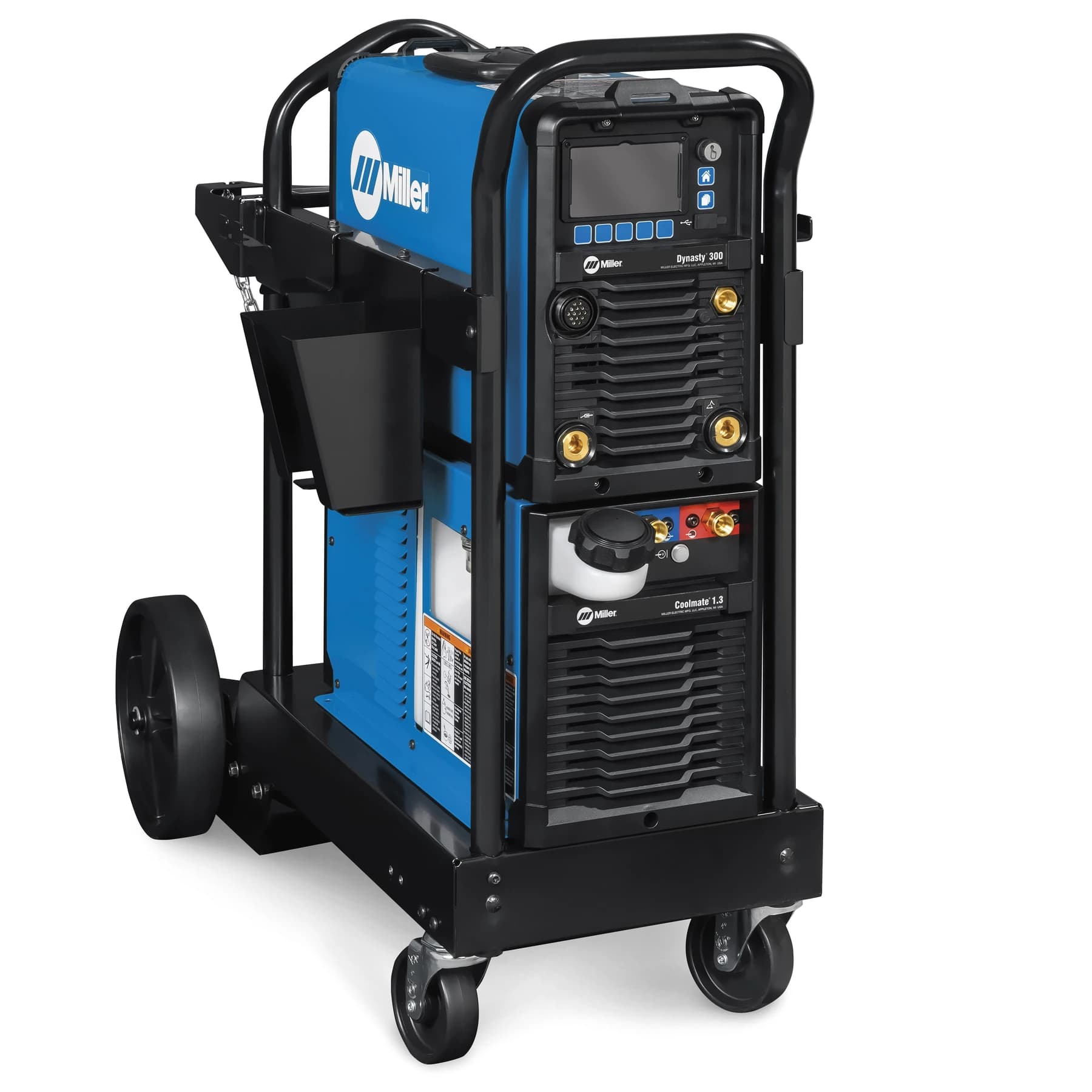
Dynasty 210/280/300/400/800

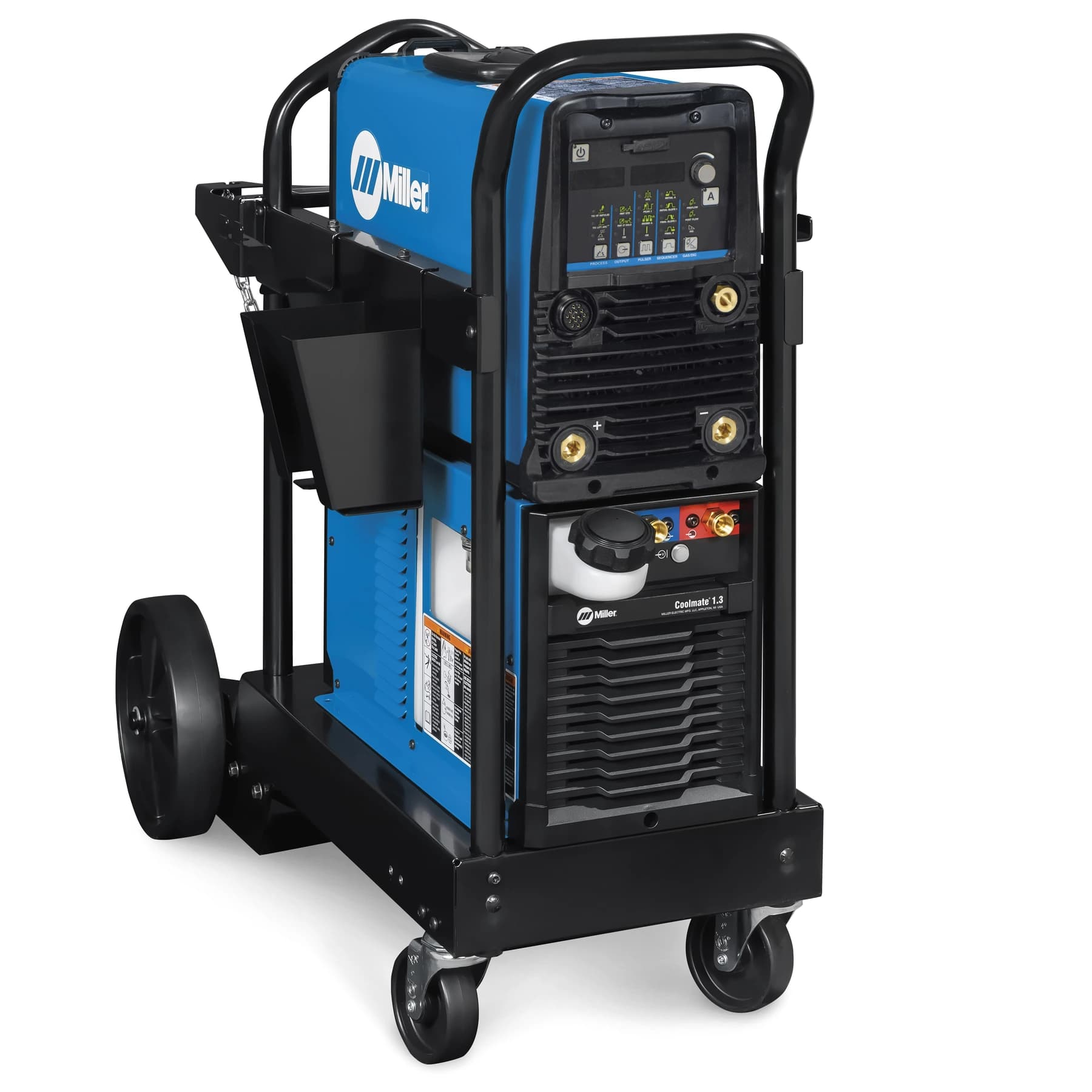
Maxstar 161/210/280/400/800

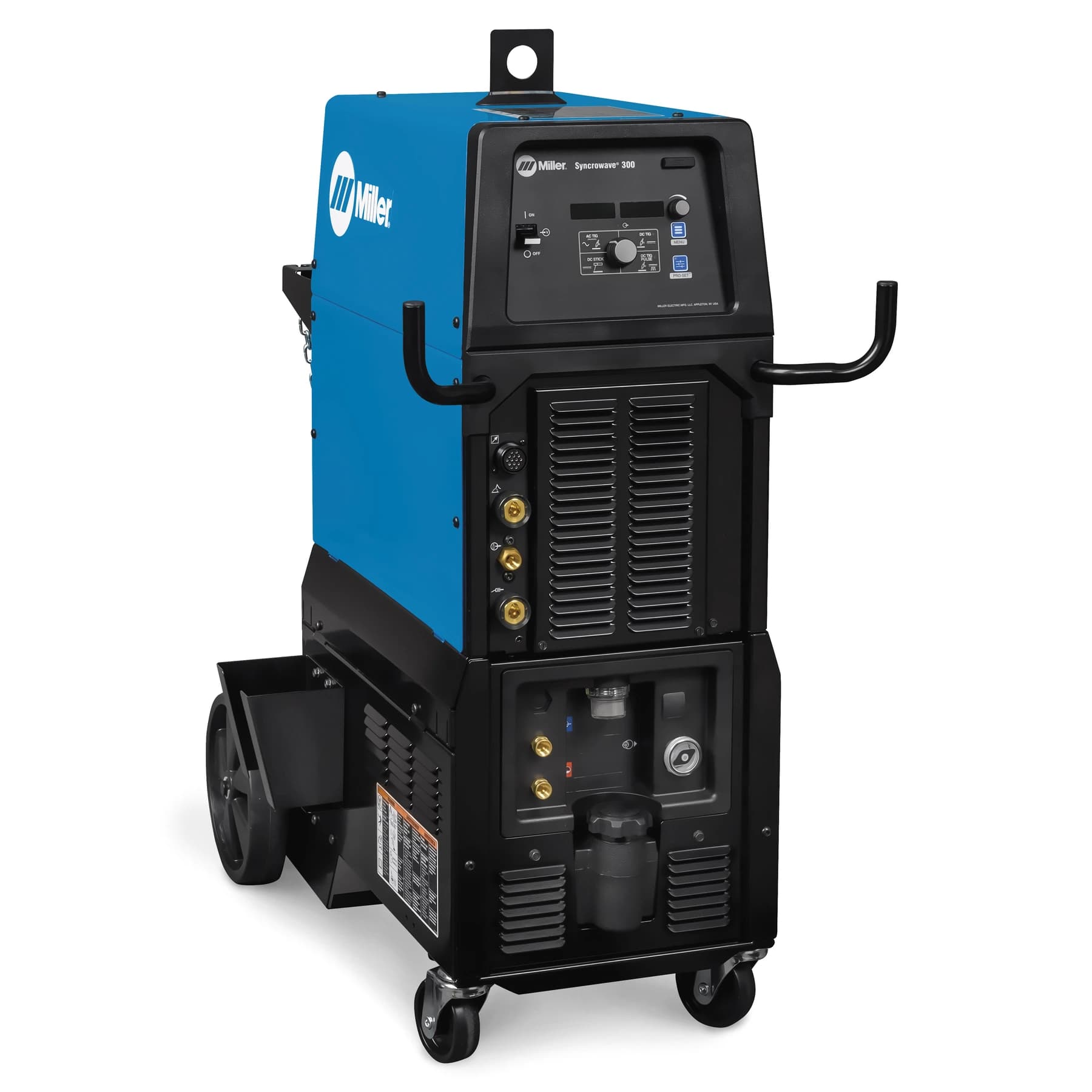
Syncrowave 210/300/400


Release Notes

In current update:  

Affected Machines: Dynasty 400/800, Maxstar 400

  • Bug Fix for welding processes 


TIG Software Expansions

Expand the capabilities of existing products with innovative solutions for highly specialized applications.

By downloading this software, you are agreeing to the Terms & Conditions set forth by TIG Solutions and Miller. 


Hotwire Expansion

Dynasty 210/280/300/400/800

Maxstar 210/280/400/800


Reconfigures the software to enable the output for preheating the auxiliary wire.

14 Pin Automation Expansion

Dynasty 210/280/300/400/800

Maxstar 210/280/400/800


Enabling the automation software expansion configures the Remote 14 socket I for valid arc and socket J for arc length control, and the ability to configure socket E as an input for Output Enable (Weld Stop).

Modbus Expansion

Dynasty 210/280/300/400/800

Maxstar 210/280/400/800


Enabling the Modbus software expansion configures the Remote 14 sockets L, M and N for Modbus control. Modbus serial communication provides access to all front panel parameters and machine functionality. Modbus expansion also includes functionality of Automation (OM-265411), AC Independent Expansion (Dynasty only, OM-267827), Hotwire (OM-273055), and Hot Start Adjust (OM-276515).


Don't miss out on a great opportunity to receive information on new technology and software updates for your TIG welding equipment.

Register your product now to stay connected!