
Installation Instructions
[PDF]

Download the most up-to-date, innovative software solutions for your welder.
By downloading this update, you are agreeing to the Terms & Conditions set forth by Miller Electric Mfg. LLC.
It is possible that your Miller equipment may contain third-party software, including open source software. Check the bottom portion of the EULA web page for any licensing information or notices pertaining to third-party software for your specific Miller equipment.
Your right to use this software is conditioned on compliance with the EULA.
Read the descriptions below and select a desired download option.
Option 1: Installation Instructions
Download the step-by-step instructions document describing how to update the software on the ArcReach Heater.
Option 2: ArcReach Heater Equipment Software
(Your equipment uses Miller software in its operation. The Miller software is included with your purchase of Miller equipment. You may download Miller software updates that may be available right on your equipment.)
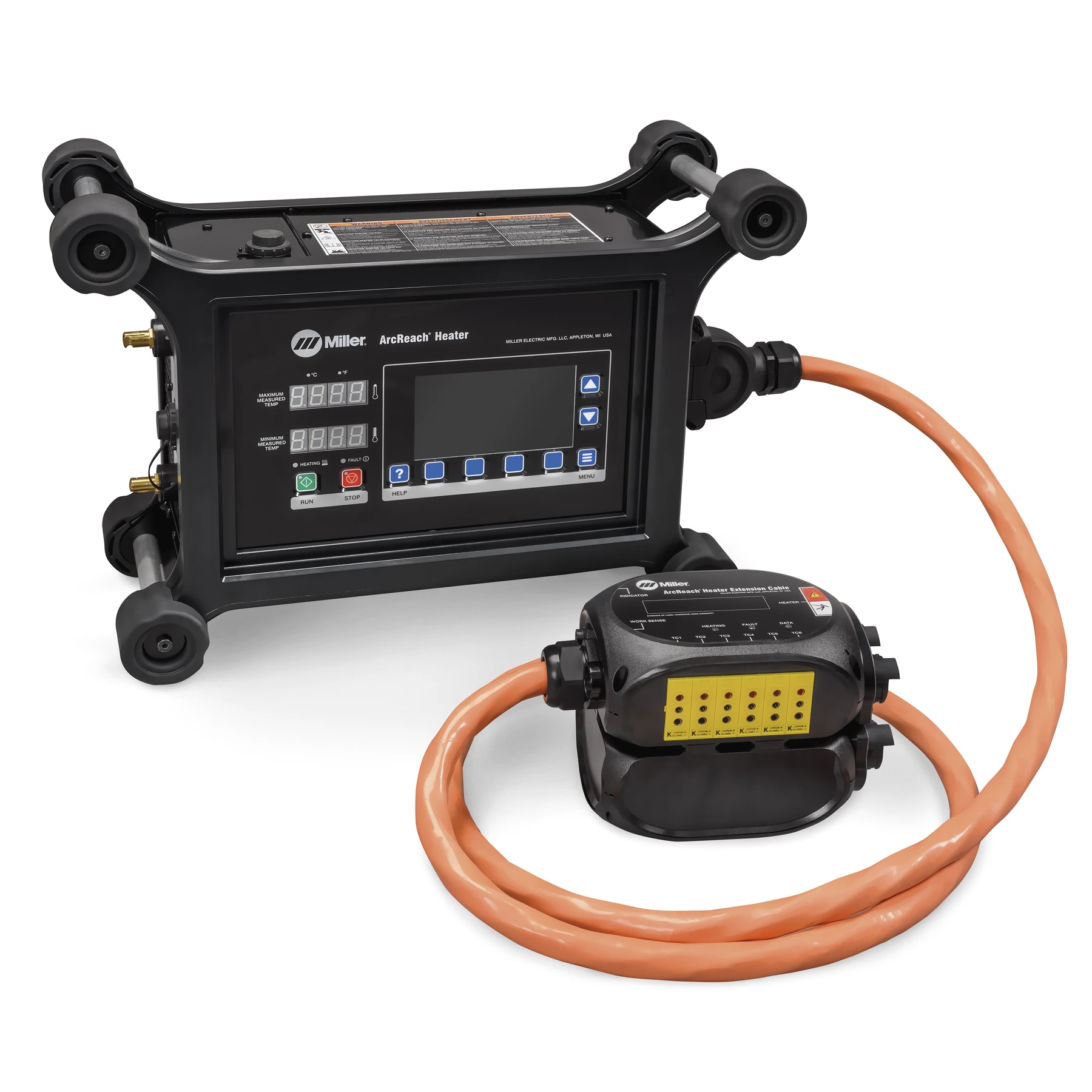
Option 3: ArcReach Heater PC Data Application Software
(Download to set up joint-specific information for pre-programmed and brought to joint)
Instructions:
In current update(v2026.05.01):
User Interface:
Output power limit notifications
Includes these previous software revision changes:
(v2023.09.07)
Control Board:
Update to Insulation Fault Detection System
(v2021.03.31)
User Interface:
Translation updates for the following languages:
Control Board/TC Box:
(v2021.02.20)
User Interface:
Control Board:
TC Box:
Don't miss out on a great opportunity to receive information on new technology and software updates for your welding equipment
