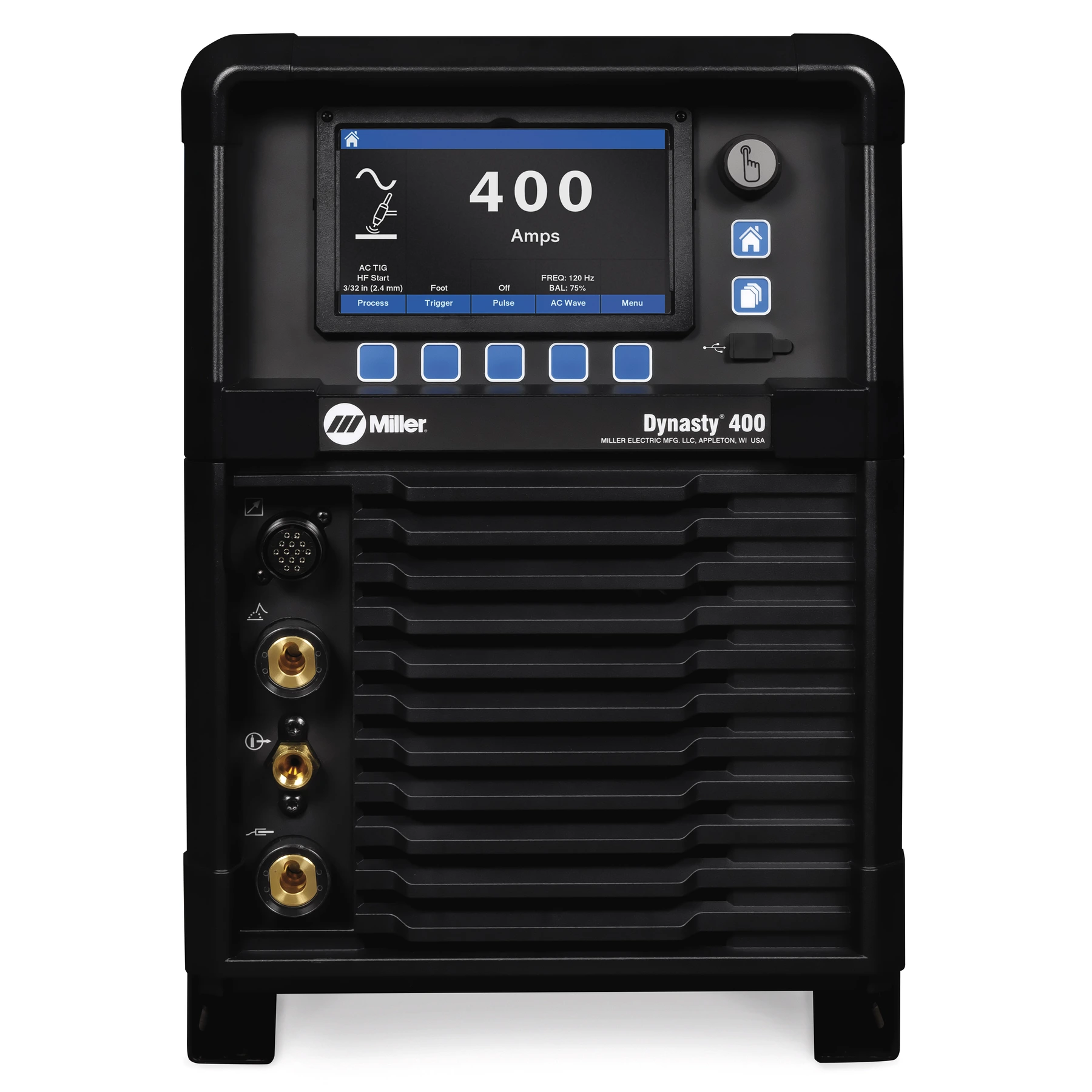
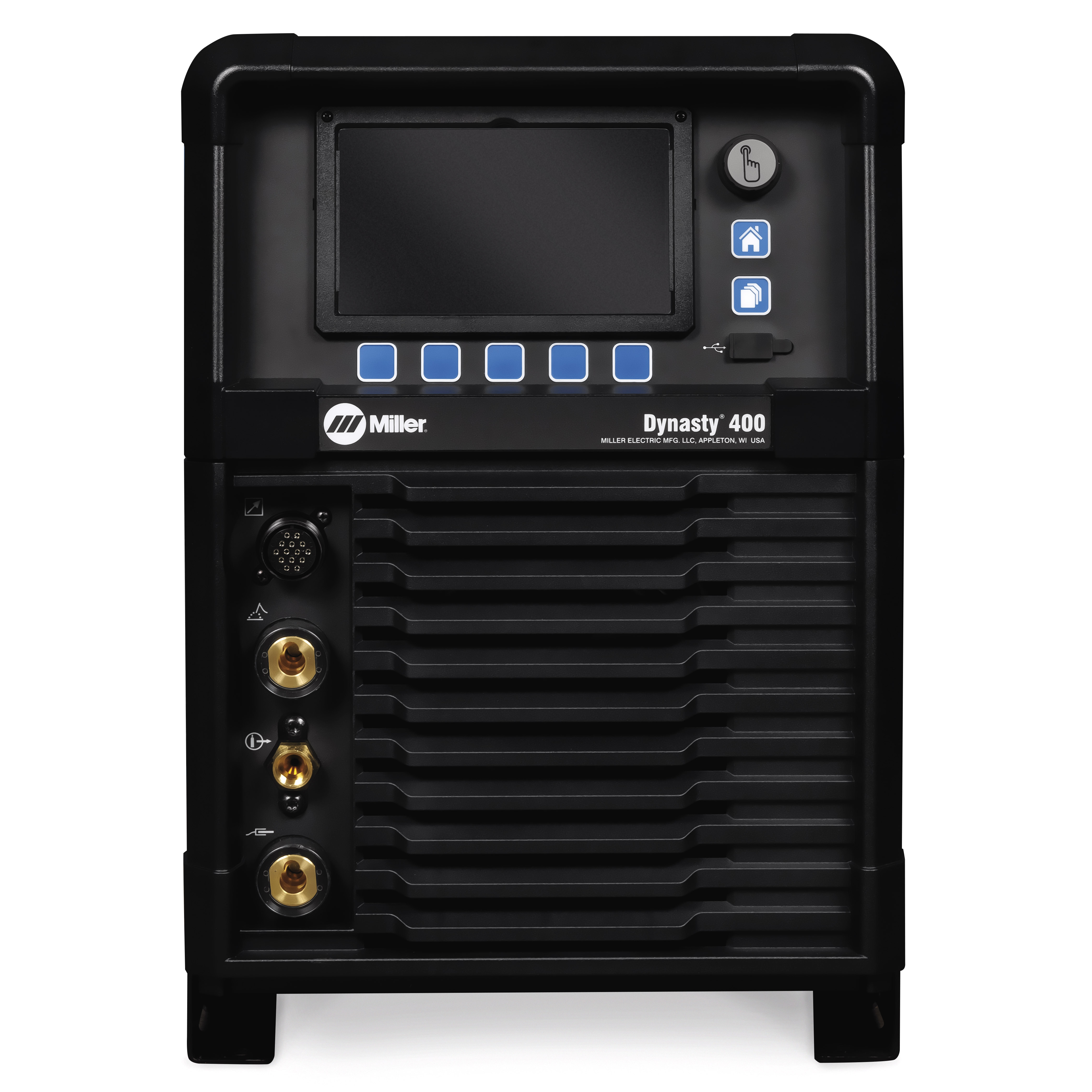
- Easy navigation back to the home screen
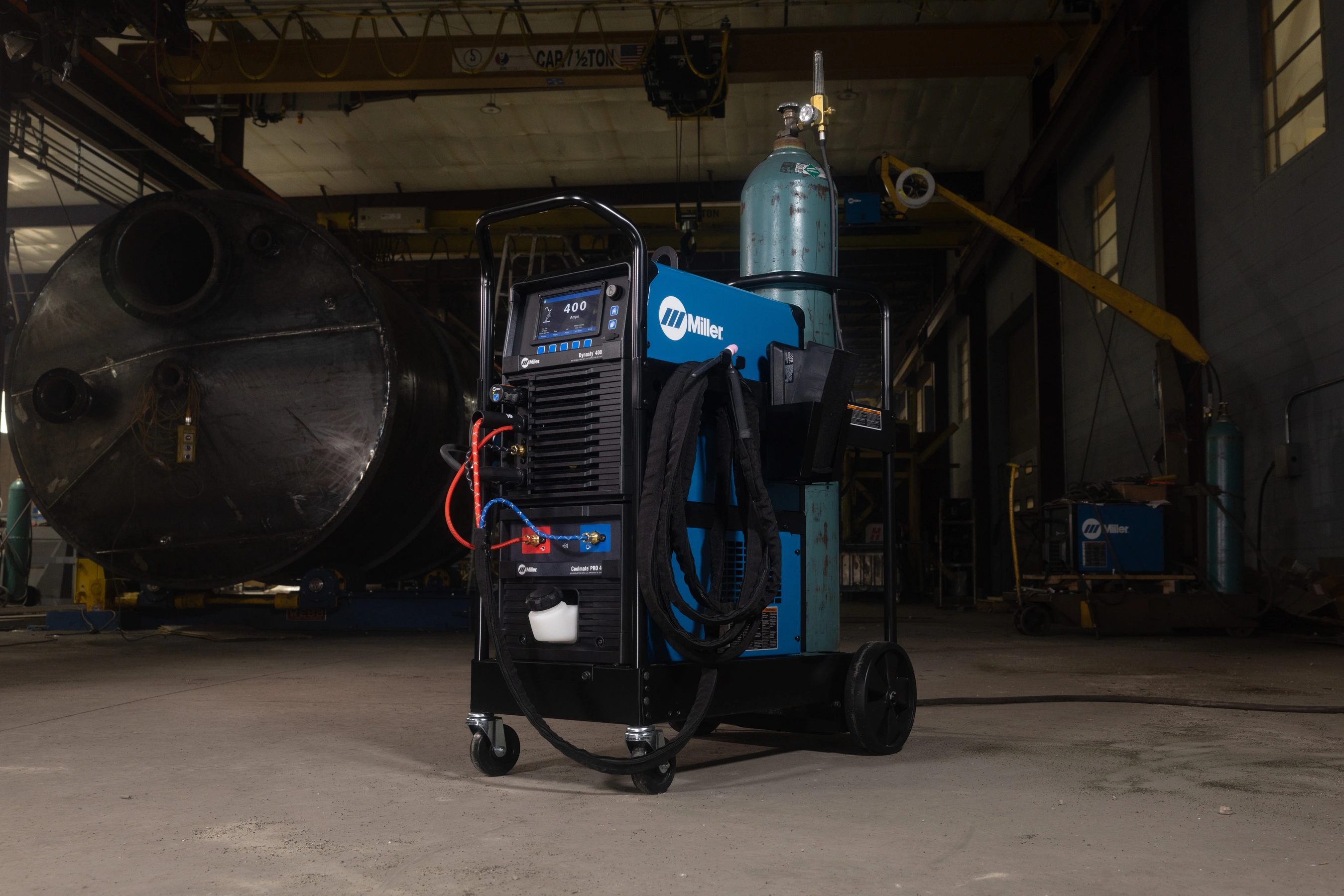
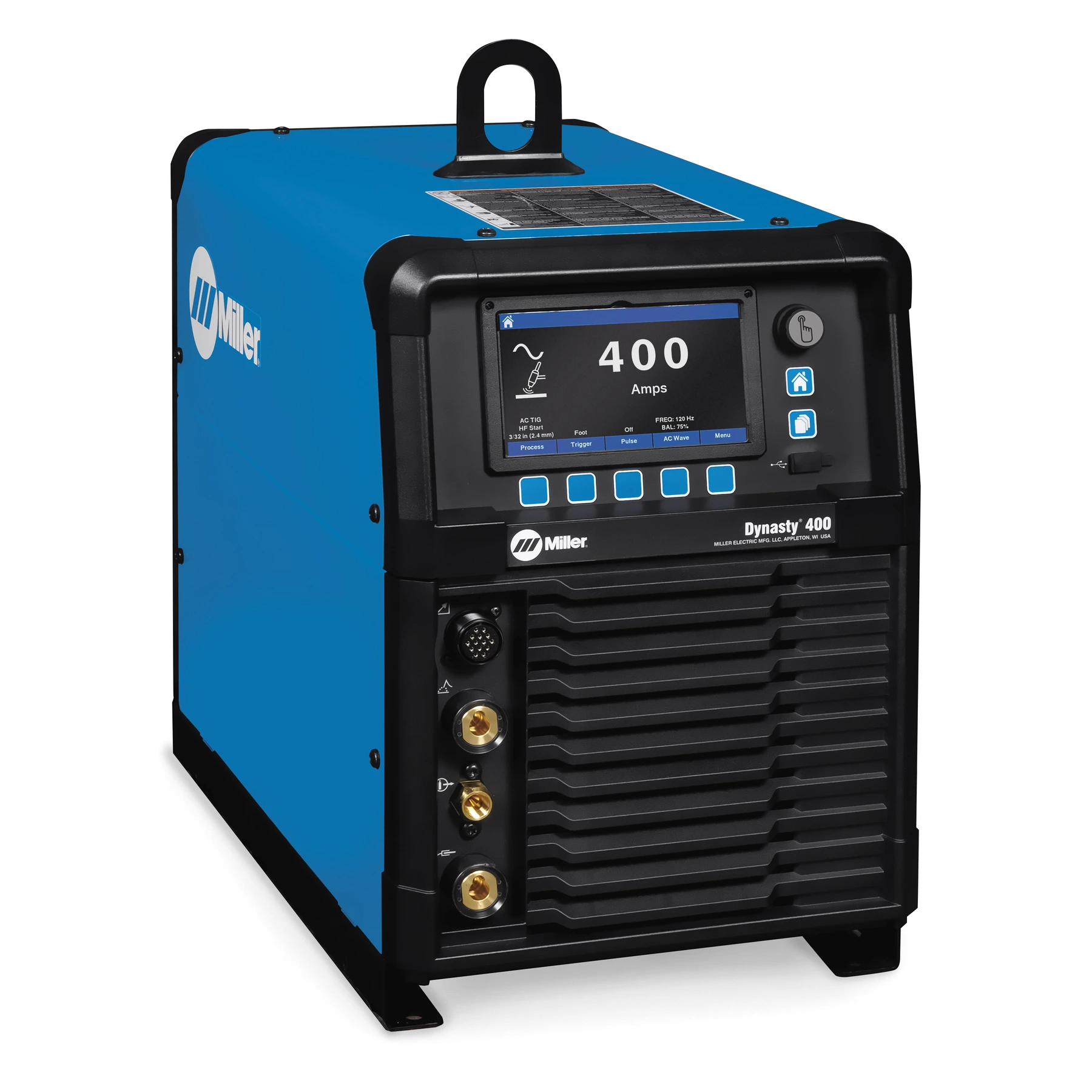
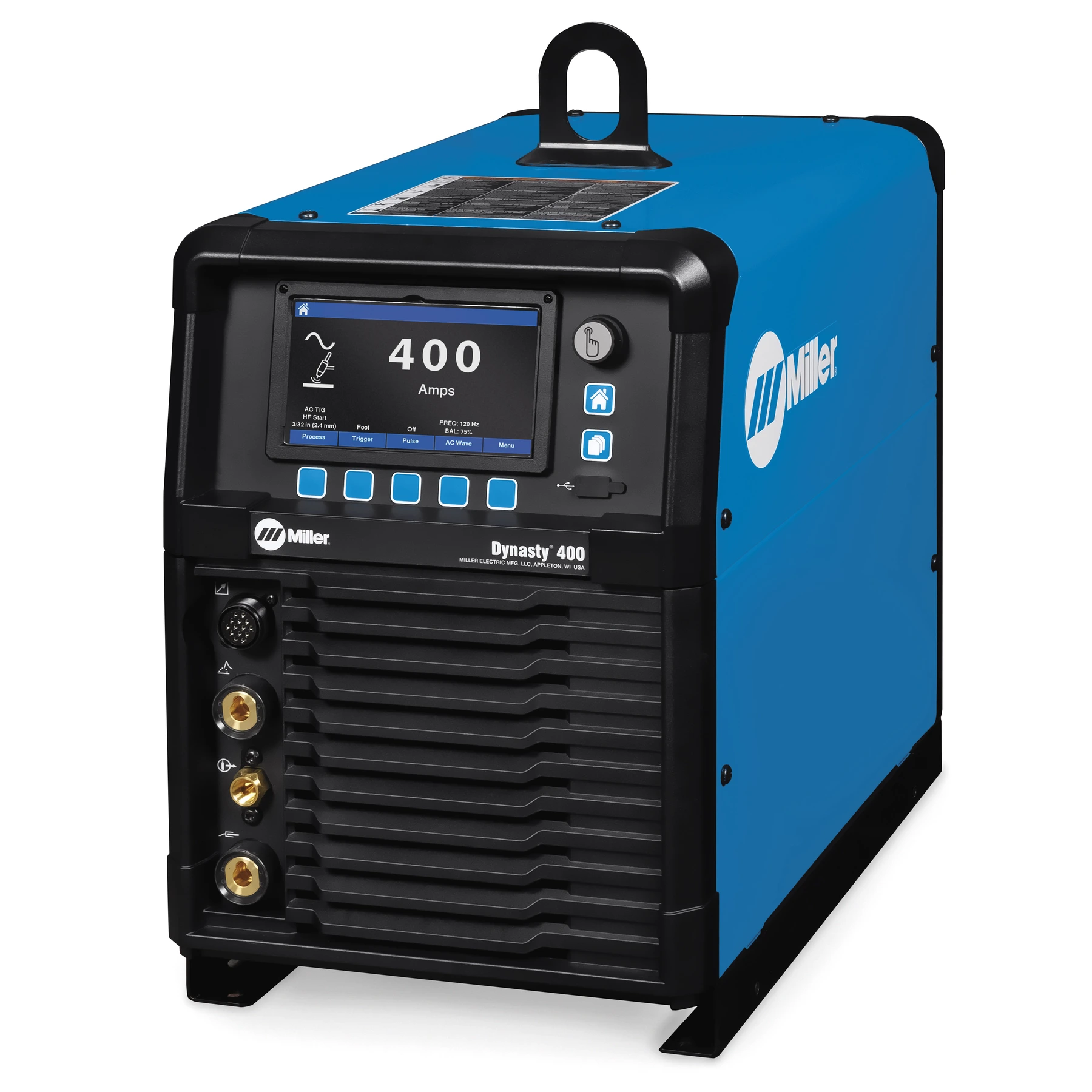
- Informative color LCD display shows current machine settings
- Multifunction soft keys provide a simple left-to-right logic to assist with machine setup
- Easily update software, back-up settings, and transfer saved weld programs from one unit to the next
- The blue area represents the commonly used range while the whole bar represents the entire range for that parameter
- Green arrow indicates that the setting is at the Pro-Set™ value
- Provides visual feedback on how the adjustments will affect the welding arc
- Return to Pro-Set™ value with just one press
- Easy navigation to previously saved programs
- Easily save up to 99 weld programs
- Create custom names for easy recall
- Transfer programs from welder to welder to ensure consistency, improve quality and maximize throughput
- Control welding parameters to minimize deviation from the WPS
- Provide consistency between operator and jobs
- Select from 8 languages for enhanced user comprehension
Using the Pulse Screen:
- Select DC TIG using the Process soft key
- Use the middle soft key to navigate to the Pulse Menu
- Use the control knob to turn the Pulser On
- Scroll and select Pulse Waveshape
- Using the control knob, select Sine or Triangular waveform to Activate QuietPulse™