
QuietPulse™ Expansion Memory Card
301790
QuietPulse™ enables quieter DC pulse TIG welding. Compatible with Maxstar 210-800 pre-ND040985L.


907552
Selection Option
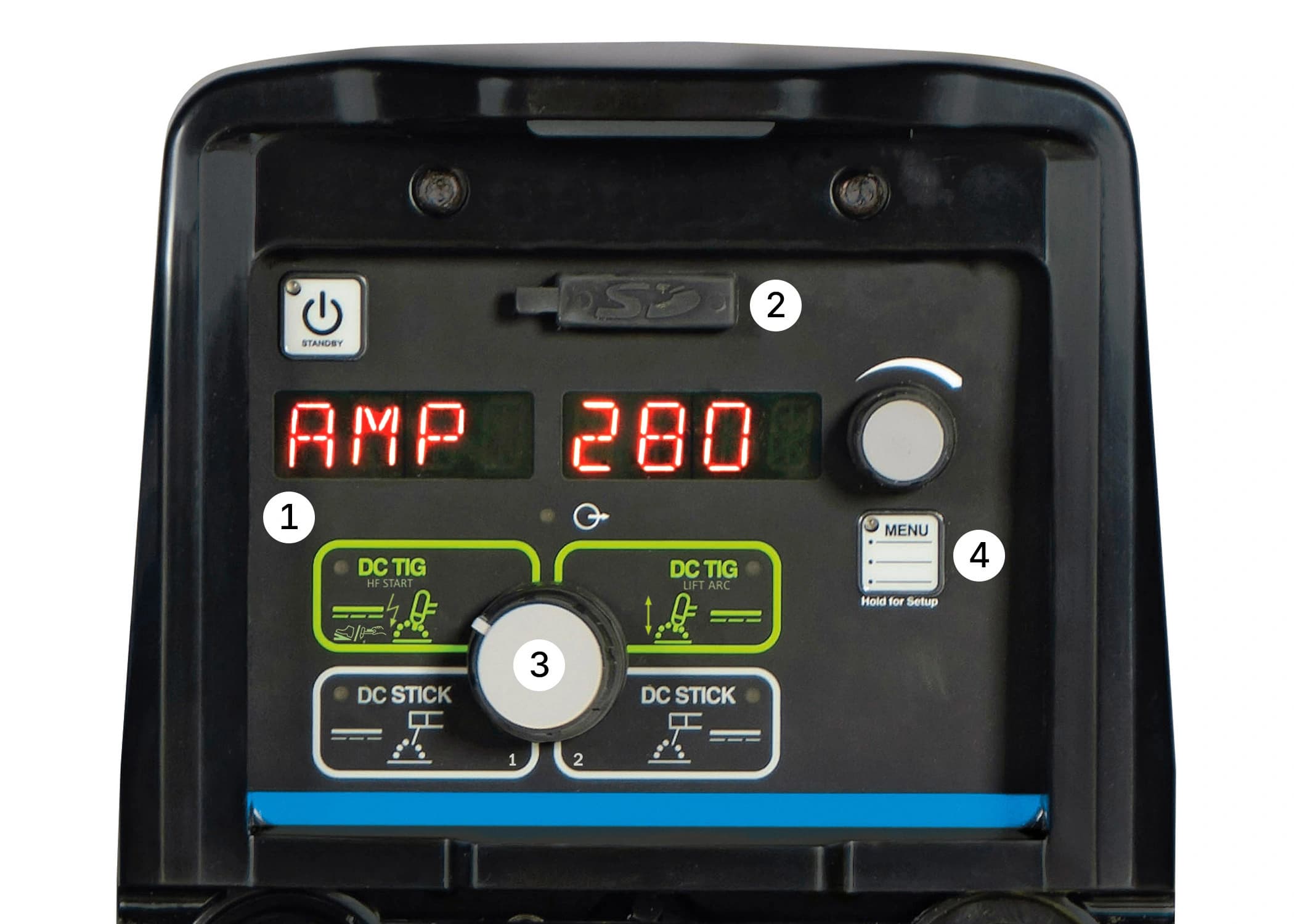
Explore the Interface
QuietPulse is activated by changing the waveshape for DC pulse welding, creating a slower, more fluid transition between the background and peak amperage to create the least possible audible noise.
This feature eliminates the guesswork when setting weld parameters. Use Pro-Set when you want the speed, convenience and confidence of pre-set controls. Simply select the feature and adjust until Pro-Set appears on the display. The Pro-Set feature is available for Balance, Frequency, Pulse and DIG parameters.
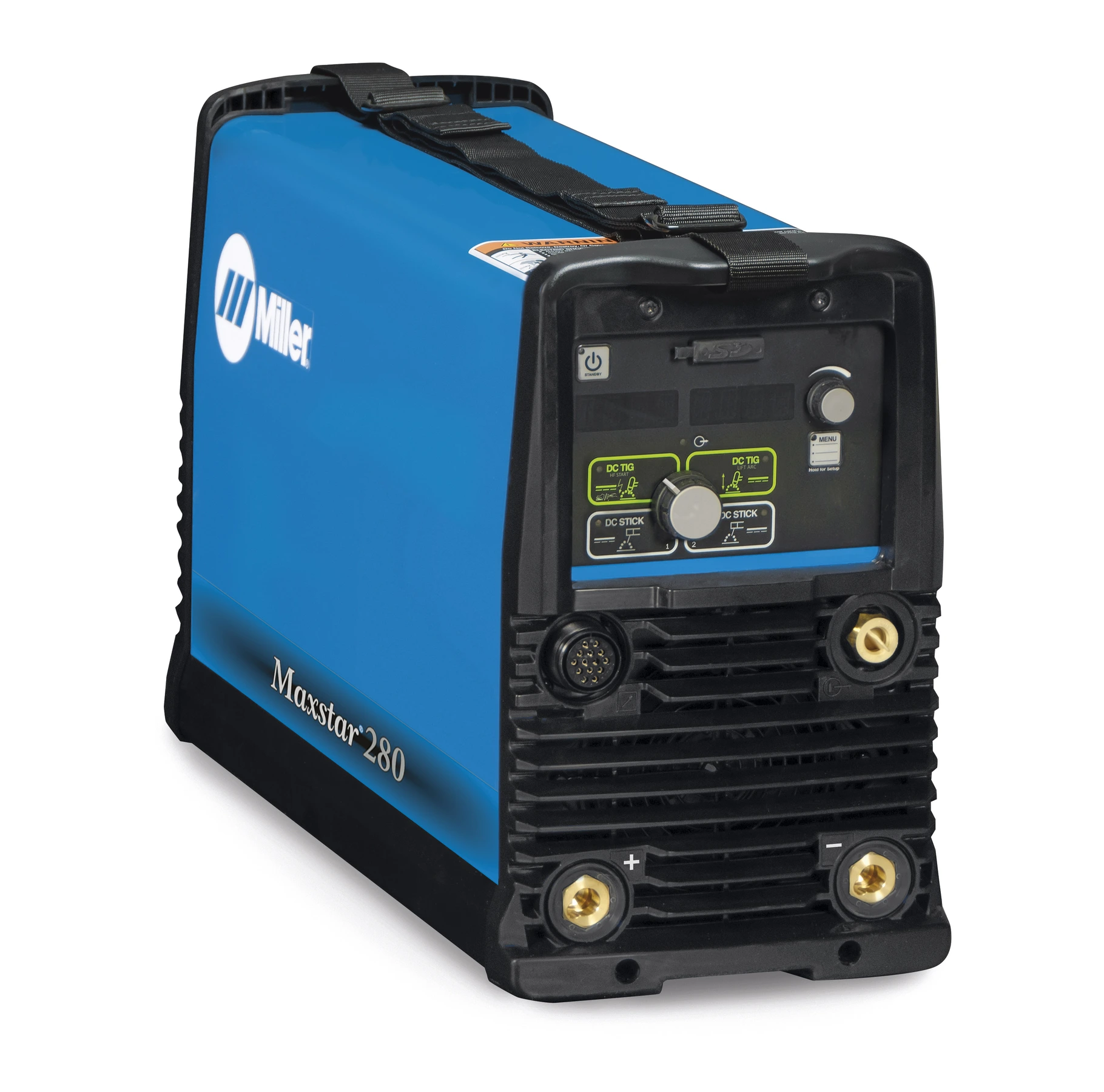
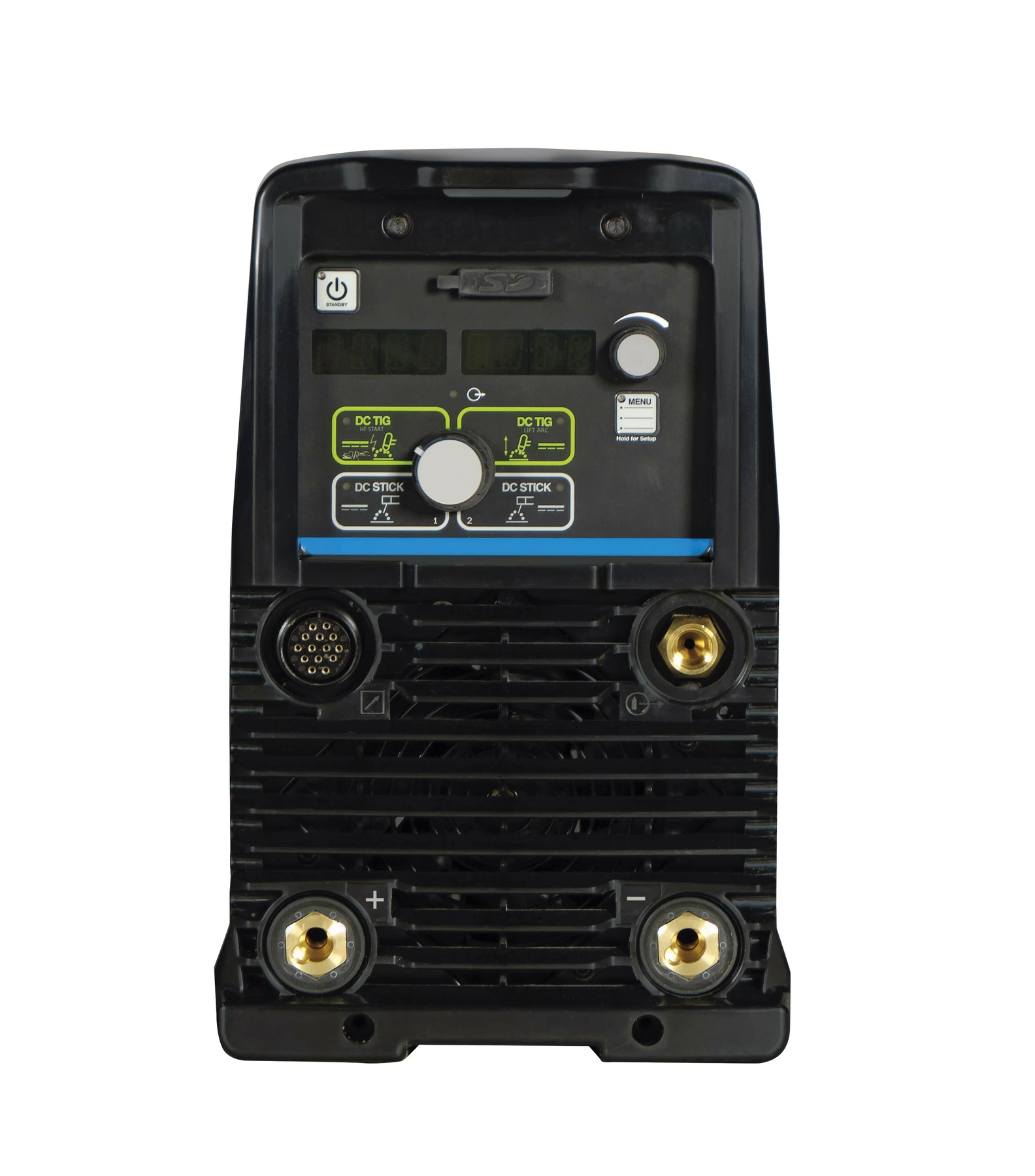
Weighing in at just 47 pounds, the Maxstar 280 is extremely portable and easy to transport featuring dual carry handles and a carrying strap.
Front panel memory card data port provides the ability to easily upgrade software and expand product features. Visit MillerWelds.com/tigsoftware for the latest software upgrades and expansions.
Tailored arc control (DIG) allows the arc characteristics to be changed for specific applications and electrodes. Smooth running 7018 or stiffer, more penetrating 6010. Hot Start™ adaptive control provides positive arc starts without sticking.
Two-piece torch head and exclusive Super Cool™ Technology provides additional surface area to increase cooling efficiency and capacity Torch body includes an anti-rotation featureand multi-position locking to prevent handlemovement during welding and improve operator control Mechanical fittings provide a secure gas andwater connection to prevent leakage and alloweasy hose replacement
Allows hookup to either single-phase or three-phase primary input voltage, 208-600 volts dependent on the machine, with no manual linking, providing convenience in any job setting. An ideal solution for dirty or unreliable input power.
An integrated 120-volt dedicated-use receptacle to power the Coolmate™ 1.3. The power switch on the machine activates the receptacle to help prevent torch failure. Available on select models.
Base model provides essential TIG and Stick functions and provides operator-friendly, menu-driven features. The DX model adds extended ranges to sequencer and full trigger options, preflow and pulser functions.

Maximum portability and performance in the industry's most compact TIG/Stick packages. Dependable.

A perfect combination of sophisticated inverter technology and advanced features, the Maxstar 210 is an extremely versatile DC TIG/Stick power supply.

47 lb portable DC TIG/Stick, welds 3/8 in, energy-efficient inverter, Auto-Line™ technology.

Compact, powerful welder for up to 5/8 in thickness. High speed pulse saves energy and boosts weld quality.
From safety precautions, operations/setup information, and maintenance, to troubleshooting and parts lists, Miller's manuals provide detailed answers to your product questions.


