New!
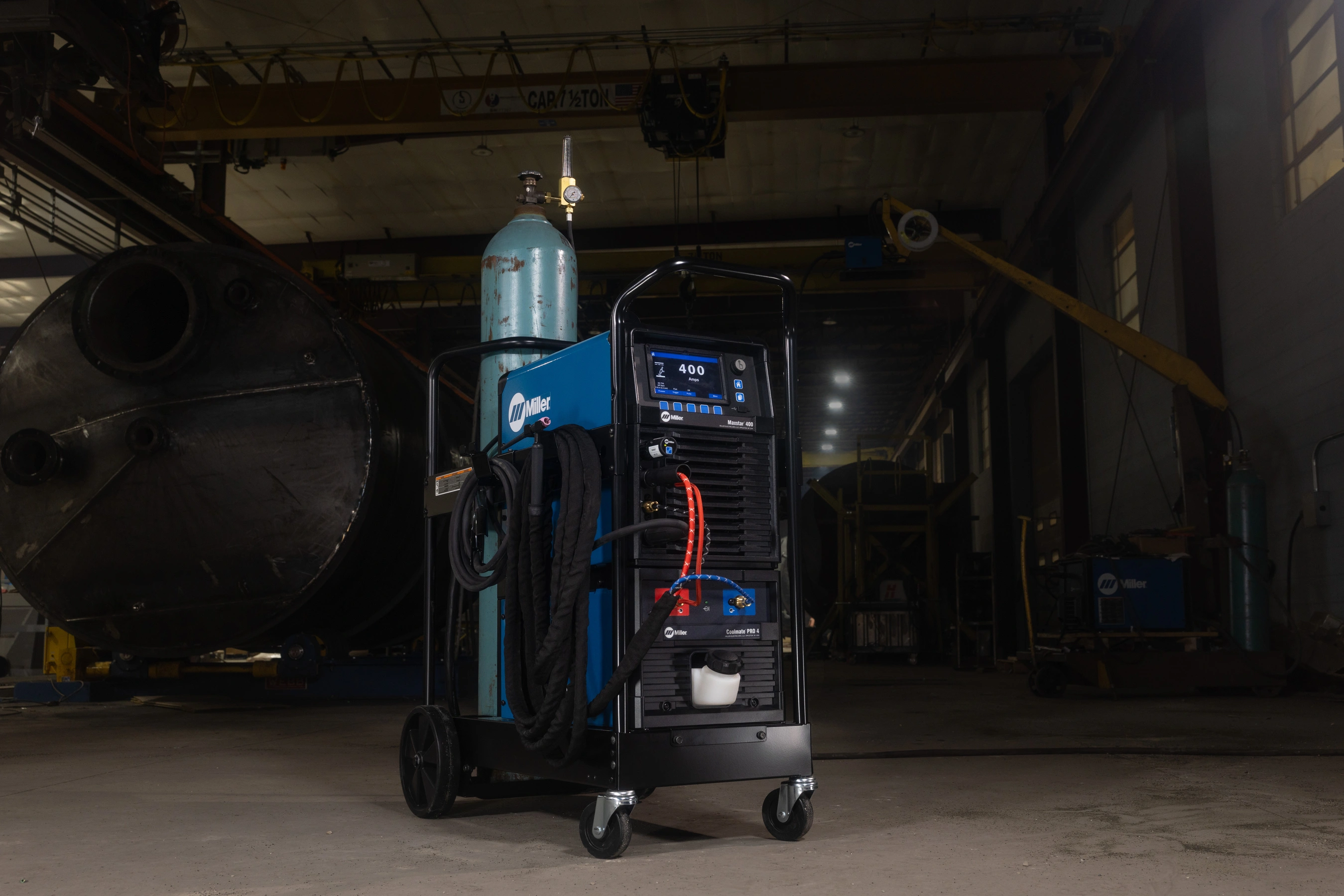
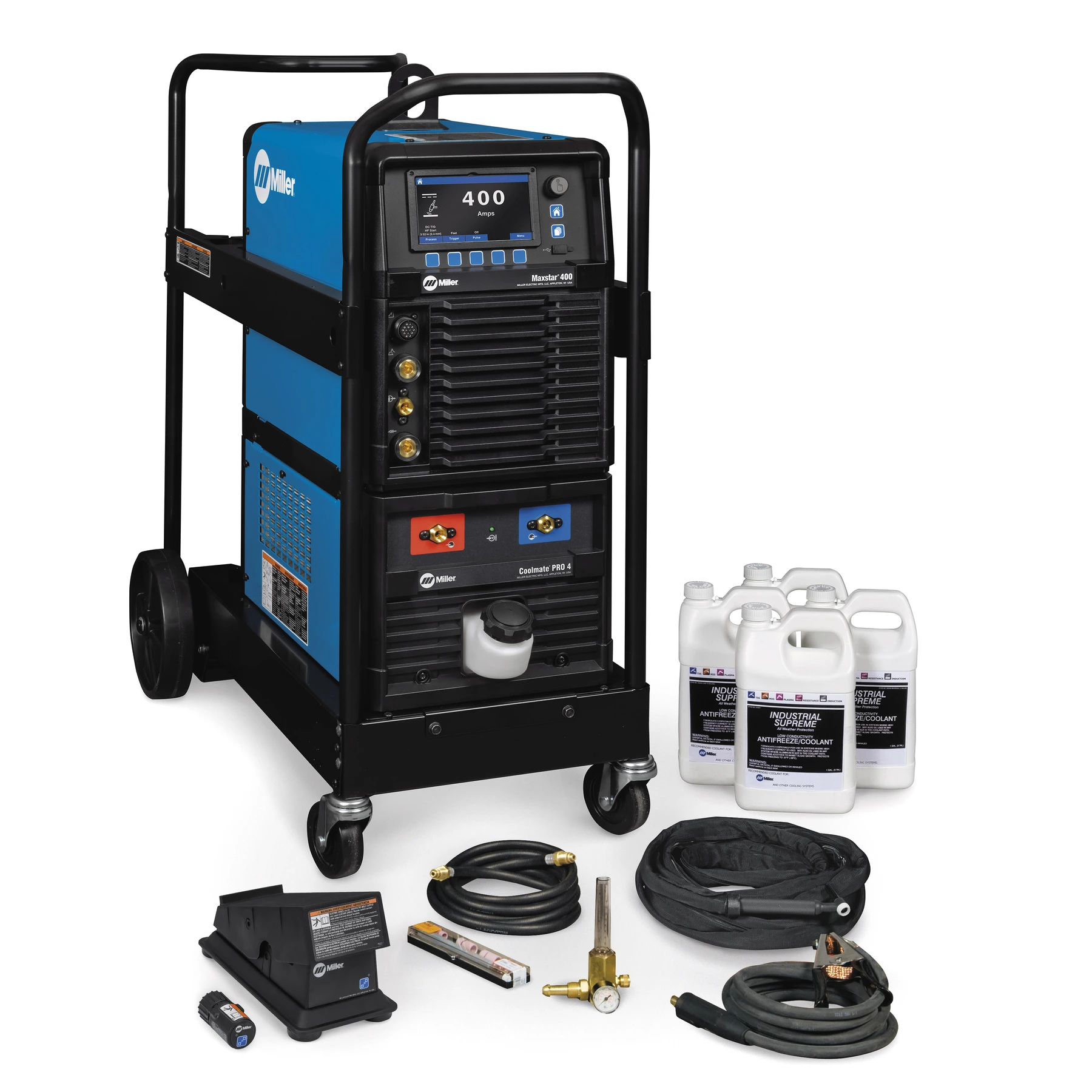
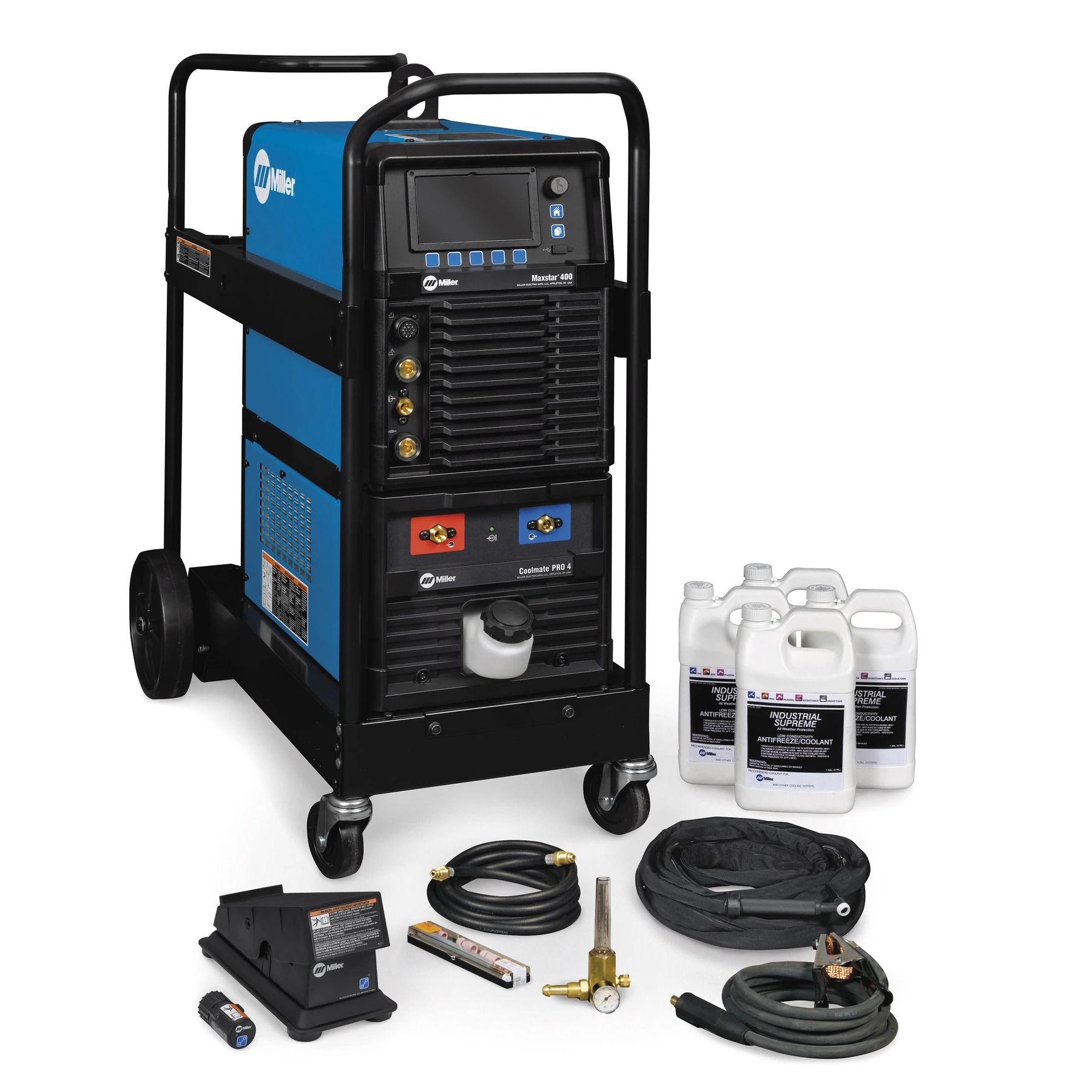
Coolmate™ PRO 4
301905
Industrial 4-gallon cooler designed for water-cooled torches rated up to 600 amps.

951000265
Selection Option
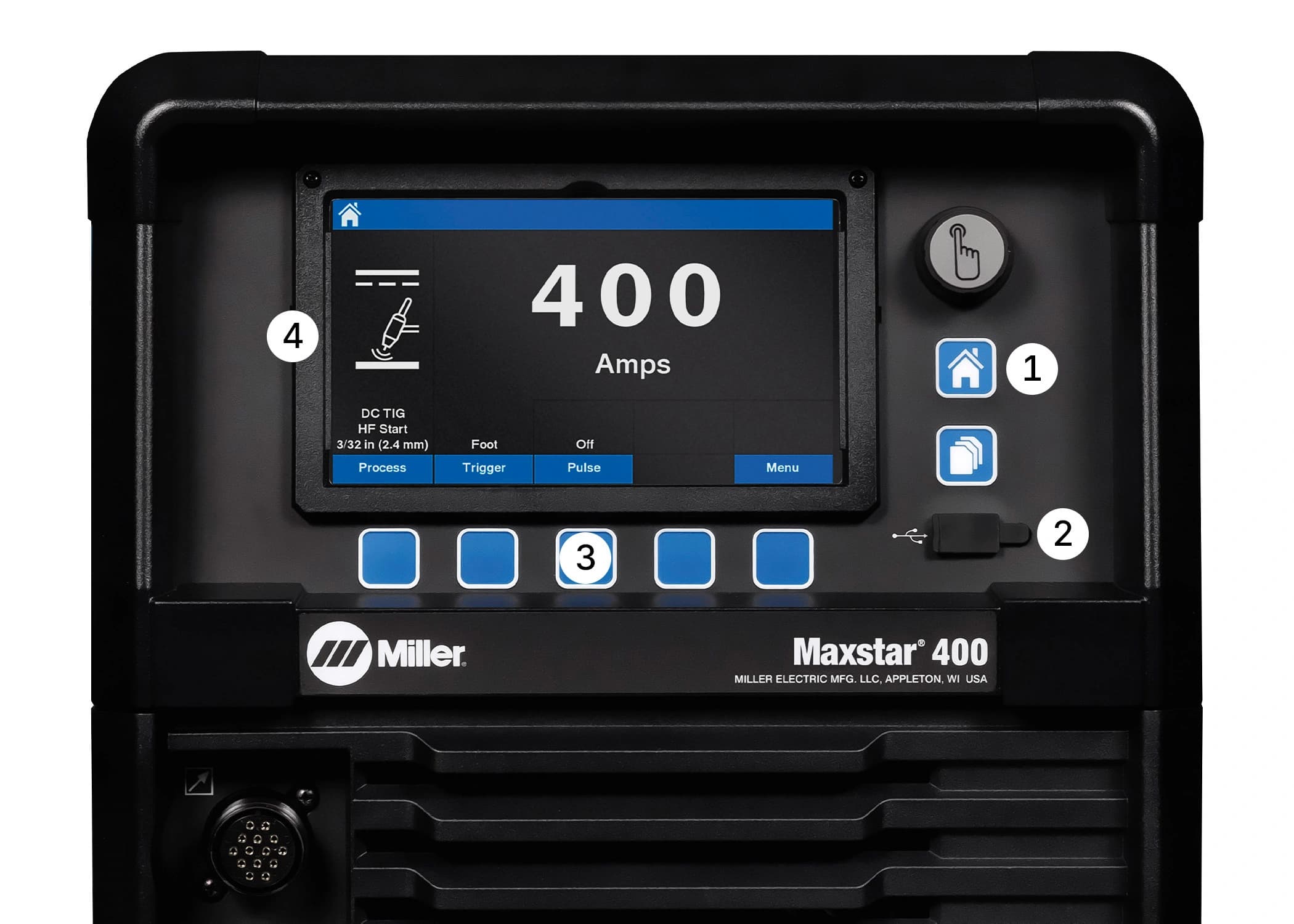
Explore the Interface
Ensure proper machine setup and parameter selection with informative on-screen explanations and dynamic images.
Provides control of the weld parameter ranges minimizing deviations from the welding procedure specifications (WPS).
QuietPulse is activated by changing the waveshape for DC pulse welding, creating a slower, more fluid transition between the background and peak amperage to create the least possible audible noise.
Exceptionally smooth and precise arc for welding exotic materials. High-speed DC TIG pulse controls - Pulse frequency capable of pulsing 5000 pulses per second. Pulsing adds arc stability, reduces heat input and warpage and can increase travel speeds. Other parameters include peak amperage, peak time and background amperage.
High-frequency (HF) arc starter for non-contact arc initiation. Provides more consistent arc starts and greater reliability compared to traditional HF arc starters.
Provides the ability to easily update software, back-up settings and transfer saved weld programs from one unit to the next.
Allows easy naming, saving and recalling up to 99 custom weld programs.
This feature eliminates the guesswork when setting weld parameters. Use Pro-Set when you want the speed, convenience and confidence of pre-set controls. Simply select the feature and adjust until Pro-Set appears on the display. The Pro-Set feature is available for Balance, Frequency, Pulse and DIG parameters.
Allows hookup to either single-phase or three-phase primary input voltage, 208-600 volts dependent on the machine, with no manual linking, providing convenience in any job setting. An ideal solution for dirty or unreliable input power.
Tailored arc control (DIG) allows the arc characteristics to be changed for specific applications and electrodes. Smooth running 7018 or stiffer, more penetrating 6010. Hot Start™ adaptive control provides positive arc starts without sticking.
An integrated dedicated-use receptacle to power the Coolmate™ PRO 4.

Maximum portability and performance in the industry's most compact TIG/Stick packages. Dependable.

A perfect combination of sophisticated inverter technology and advanced features, the Maxstar 210 is an extremely versatile DC TIG/Stick power supply.

47 lb portable DC TIG/Stick, welds 3/8 in, energy-efficient inverter, Auto-Line™ technology.

Compact, powerful welder for up to 5/8 in thickness. High speed pulse saves energy and boosts weld quality.
From safety precautions, operations/setup information, and maintenance, to troubleshooting and parts lists, Miller's manuals provide detailed answers to your product questions.